Appearance
Login to the JFrog Web Interface
Once your access request is approved, log in to JFrog at https://jfrog.ford.com
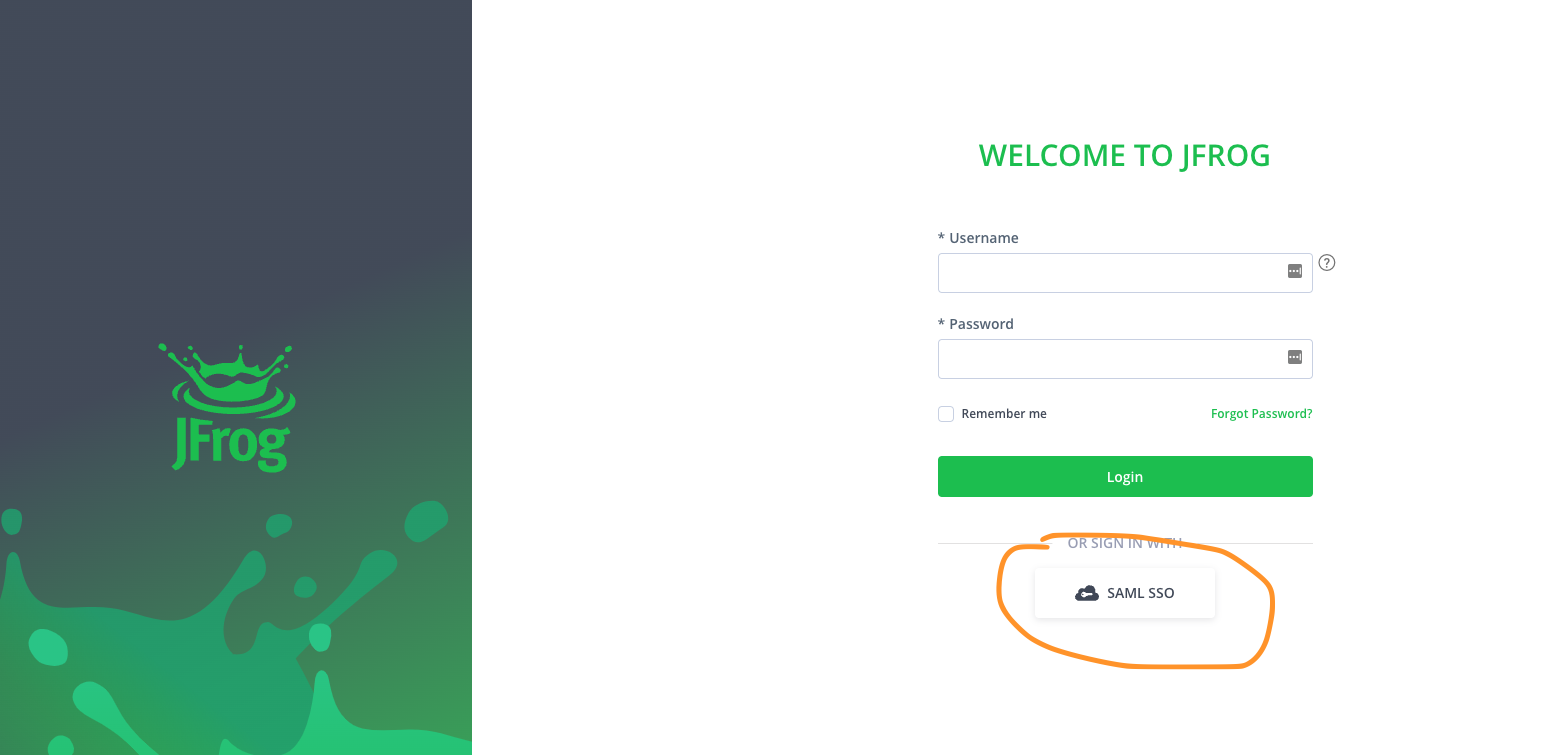
- On the login page, click the
SAML SSObutton at the bottom (see screenshot below). - Follow Ford’s web login process when prompted.
Logging in with a Generic ID:
- Open a new private window in Firefox.
- Go to https://jfrog.ford.com.
- Click the SAML SSO button.
- When prompted, enter your generic ID email address and password.
Note: If you don’t have Firefox, download it from go.ford/firefox.